


Managing subaccounts
The fixed slot counts every subaccount has, what occupies one, and how to add, fund, switch and delete them.
A subaccount is one onchain account of a fixed size. It carries 8 perpetual position slots, 8 spot position slots, and 32 order slots, and those are hard limits rather than policy limits that grow with an account's balance. The 32 orders are the total across every market the subaccount trades, not 32 per market, so a maker quoting both sides of four markets with four levels each is already at the ceiling.
What occupies a slot matters more than the counts do, because a slot is not released just because the position reads as flat on screen. A perp slot is free only when the position is flat, has no open orders, bids or asks against it, carries no unsettled P&L, and is not being liquidated. A position that has been closed but whose profit was never settled therefore still holds its slot. A spot slot frees when the balance reaches zero and no open order references that market.
Hitting any of the three cannot be configured around, and the answer is a second subaccount. Ring-fencing a strategy is the other reason to open one.
Margin does not cross subaccounts
Inside one subaccount, every deposit and every position is cross-margined. All of the collateral in it backs all of its positions, an unrealized gain on one offsets an unrealized loss on another, and account health is computed over the whole account rather than per position.
Between subaccounts, nothing is shared. Collateral in one does not back a position in another, health is computed separately for each, and a liquidation in one leaves the others untouched. It cuts both ways: an idle balance in one subaccount will not save a position in another from being liquidated, so collateral meant to defend a position has to sit in that position's subaccount.
Subaccount ids are not reused
Each subaccount is created at the next id in sequence, and the counter that hands them out only ever increments. Deleting subaccount 3 does not put the id 3 back into circulation, so the next subaccount created is 4. This matters for a script that addresses subaccounts by id: the set of live ids can have gaps in it, and a retired id is retired permanently.
Adding a subaccount
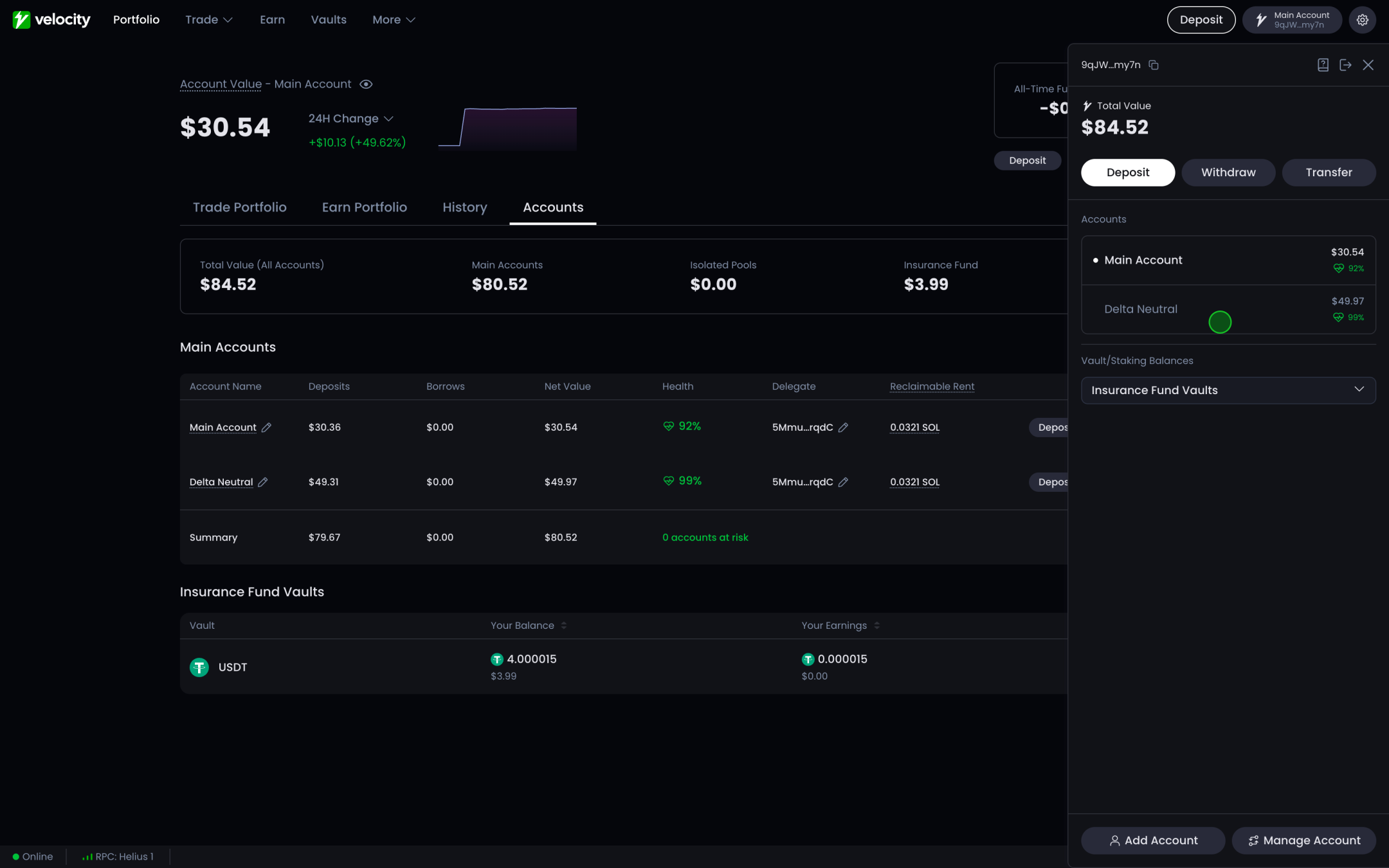
Open the account dropdown at the top right of the app
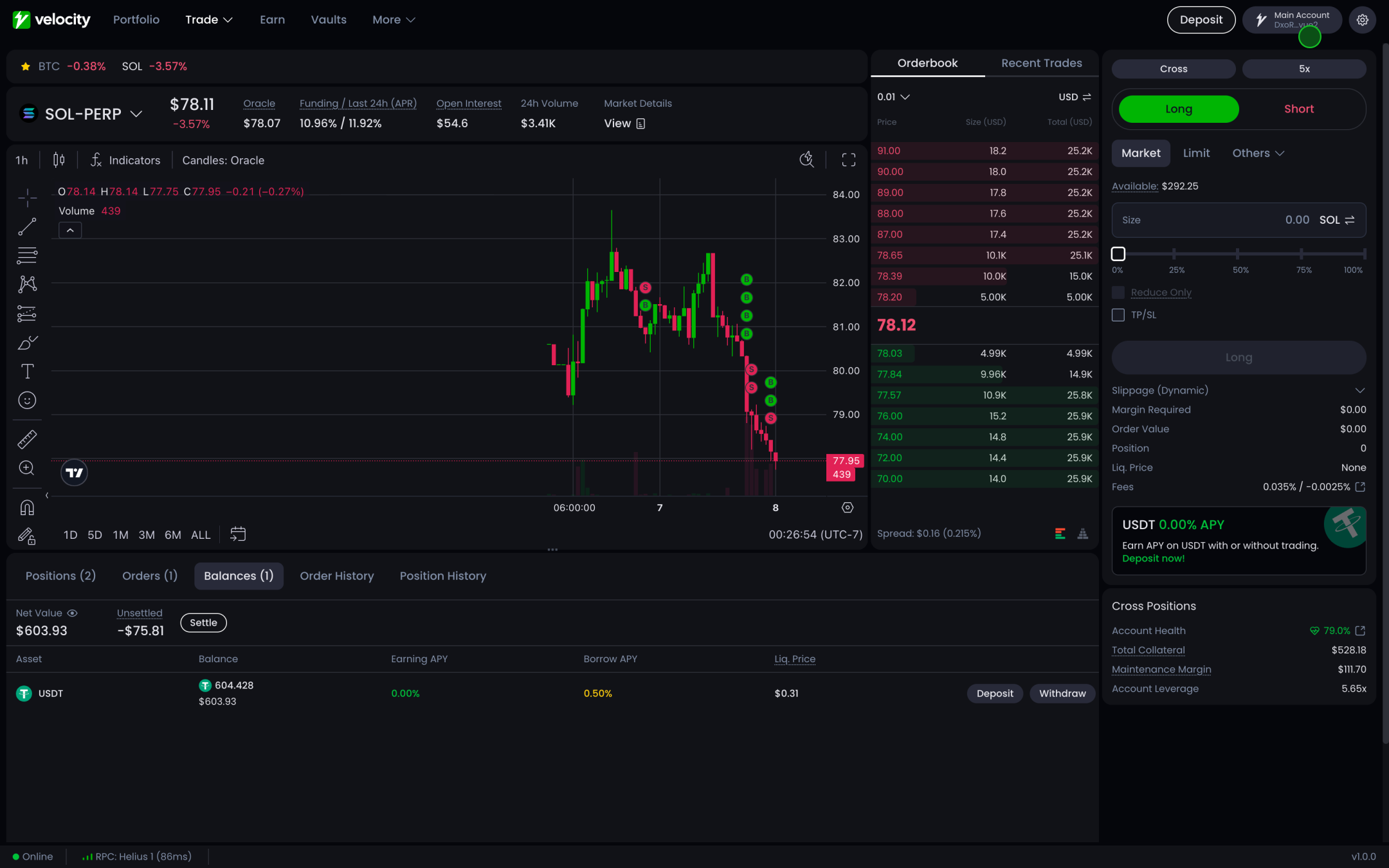
Click "Add Account"
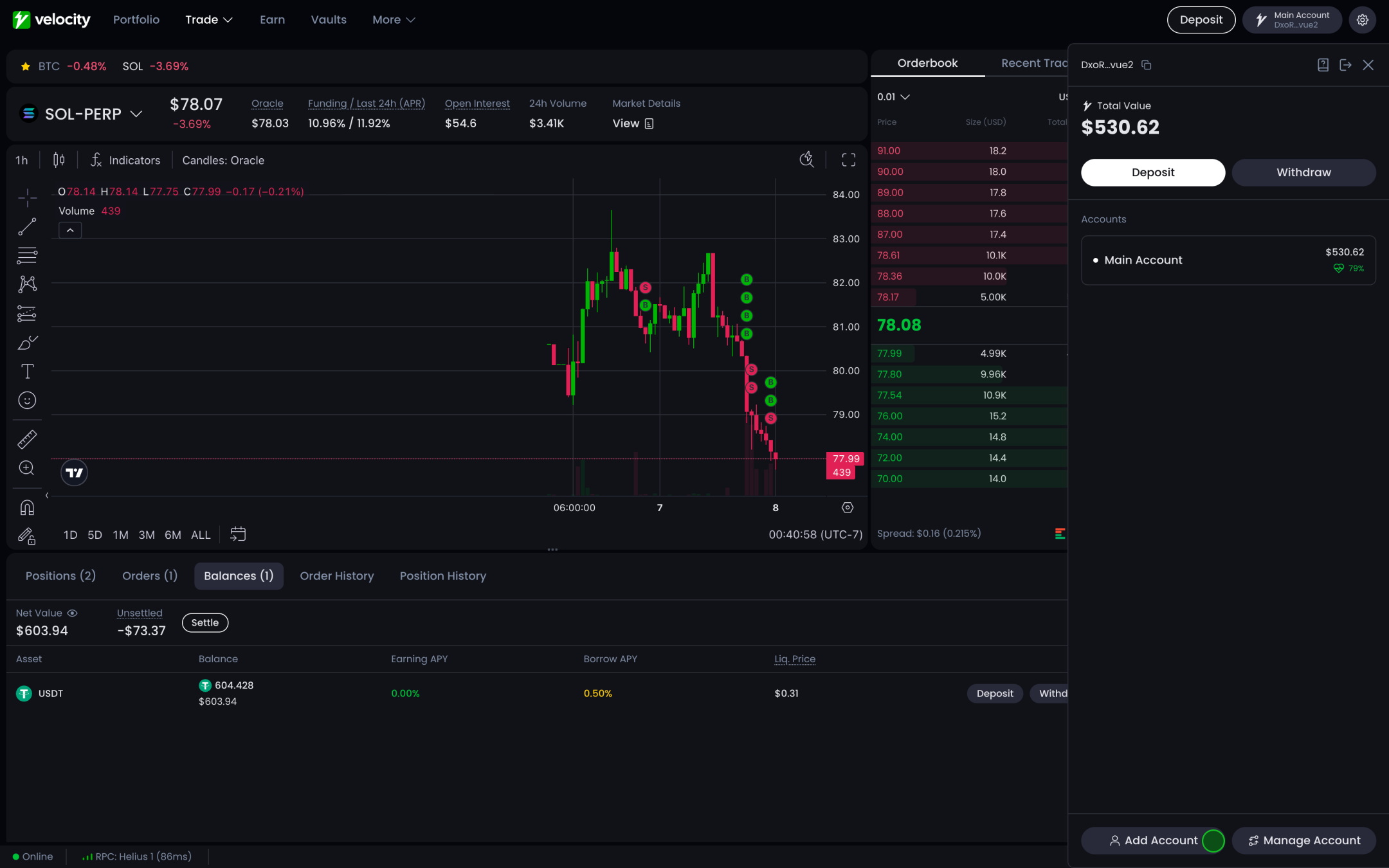
Name it and fund it
Name the new subaccount and give it collateral, either from your wallet as a fresh deposit or from an existing subaccount as an internal transfer. Creating the account allocates onchain storage, so it costs a rent deposit in SOL, which comes back when the account is deleted.
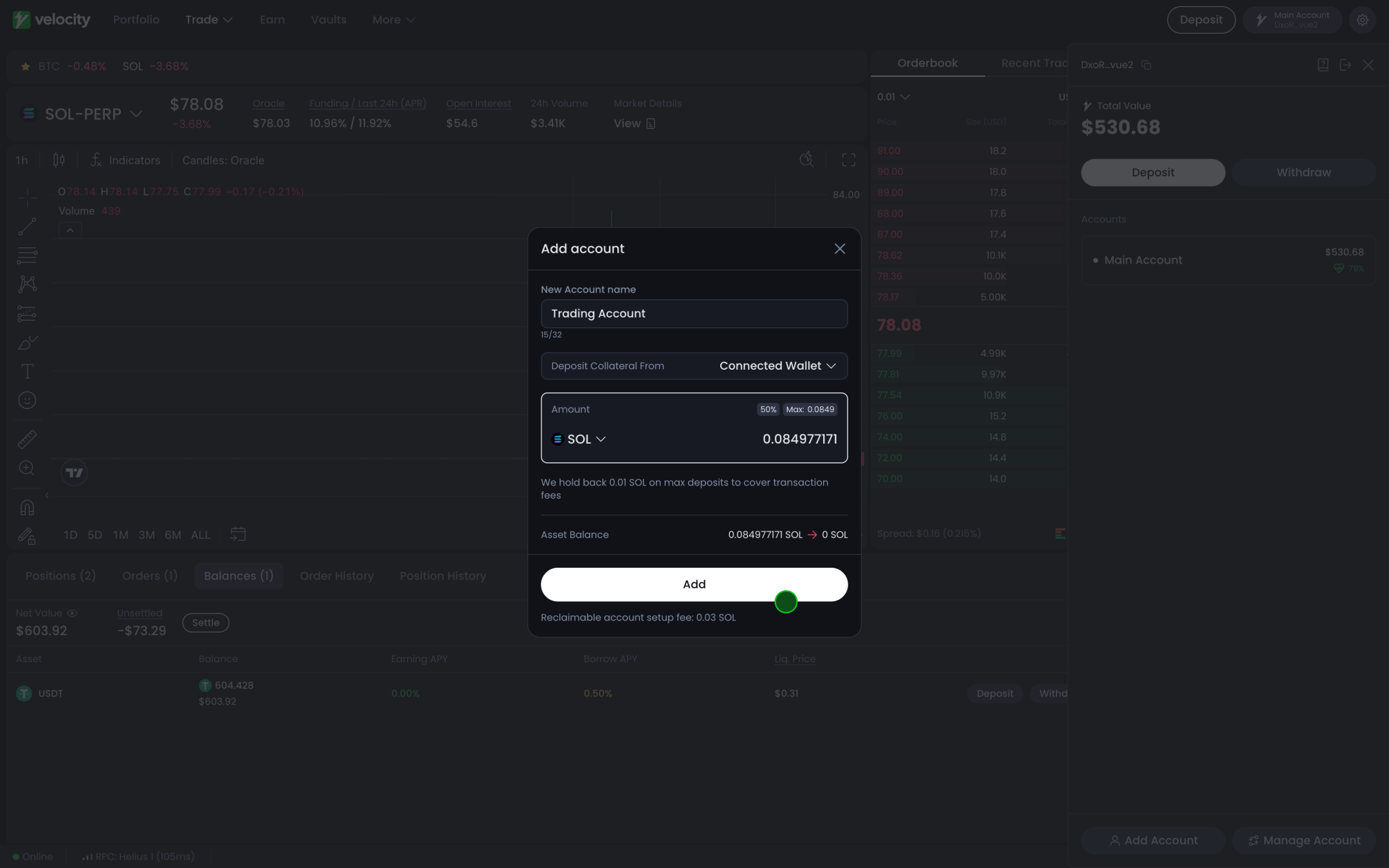
Switching between subaccounts
The same account switcher moves between them, and the app shows one subaccount's positions, balances and health at a time. Any order placed while a subaccount is selected belongs to that subaccount, and the app gives no warning when the selected subaccount is not the intended one, so it is worth checking before sending an order.
Moving assets
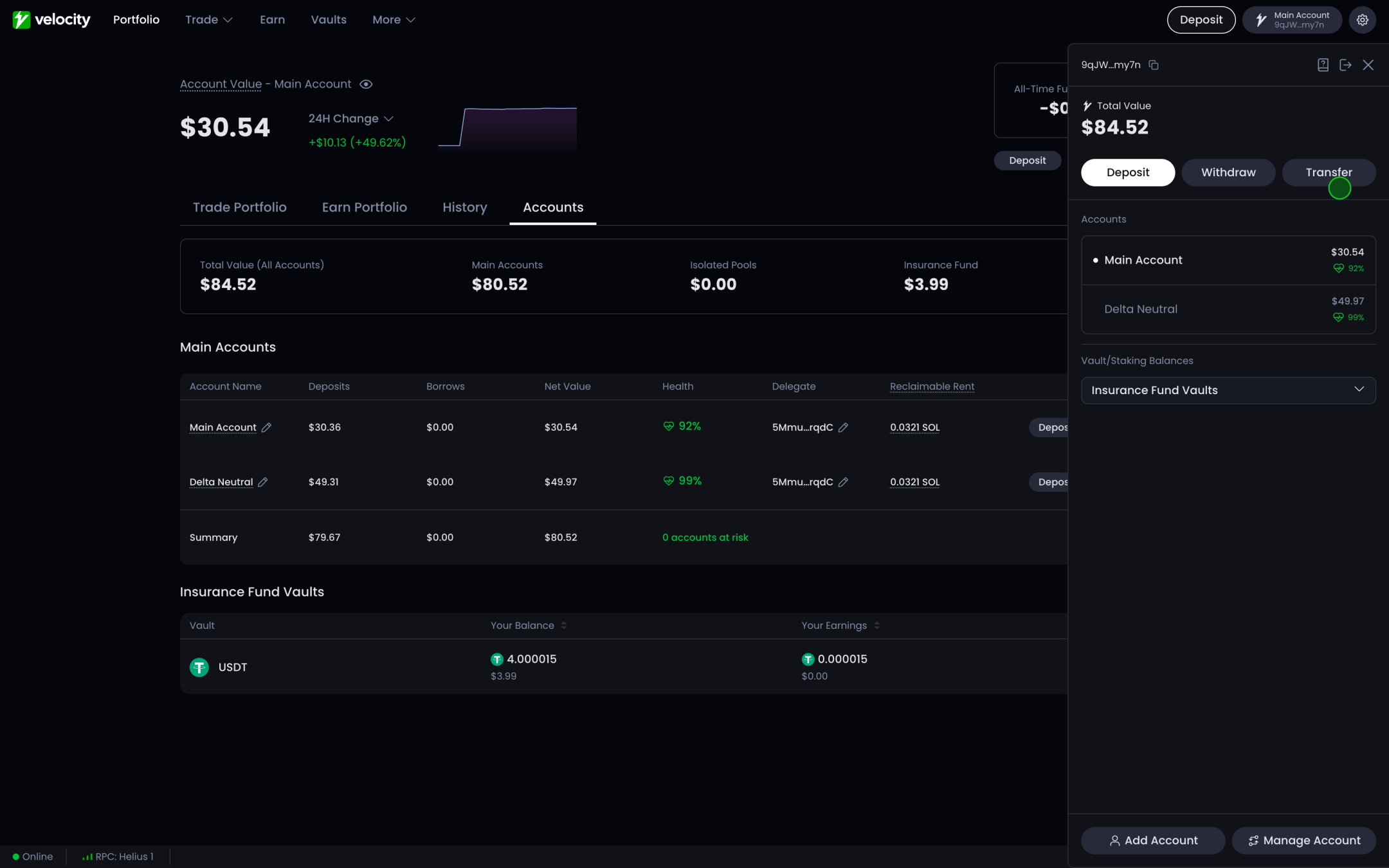
Assets are managed from the Accounts button in the account dropdown, or from the accounts screen. Three operations are available there:
- Deposit from the connected wallet into the selected subaccount
- Withdraw from the selected subaccount back to the connected wallet
- Transfer between two subaccounts under the same authority, without the funds leaving the protocol
To see one subaccount's holdings, switch to it with the account switcher in the left navigation first. The balances screen always shows the selected subaccount, never the total across all of them.
Deleting a subaccount
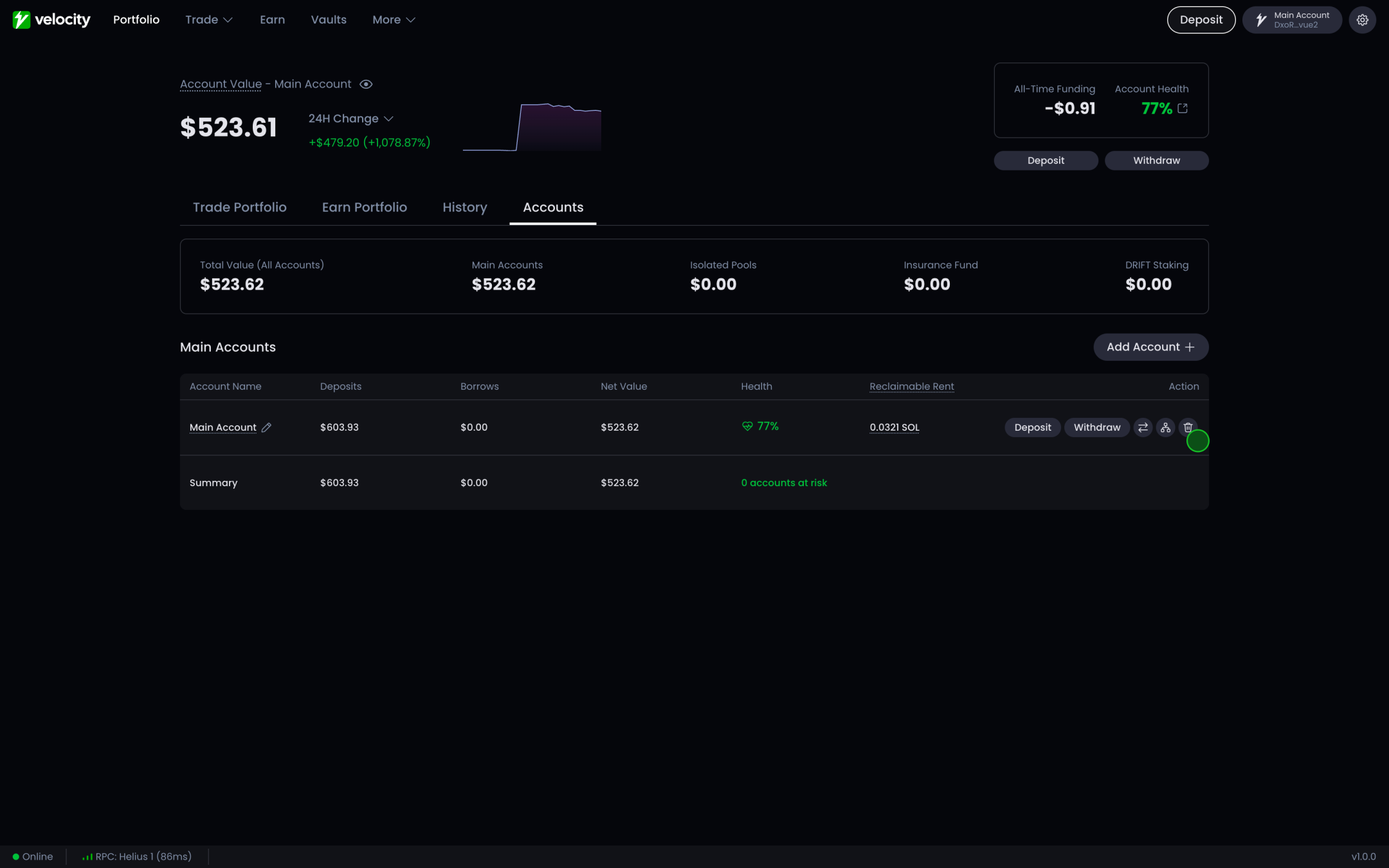
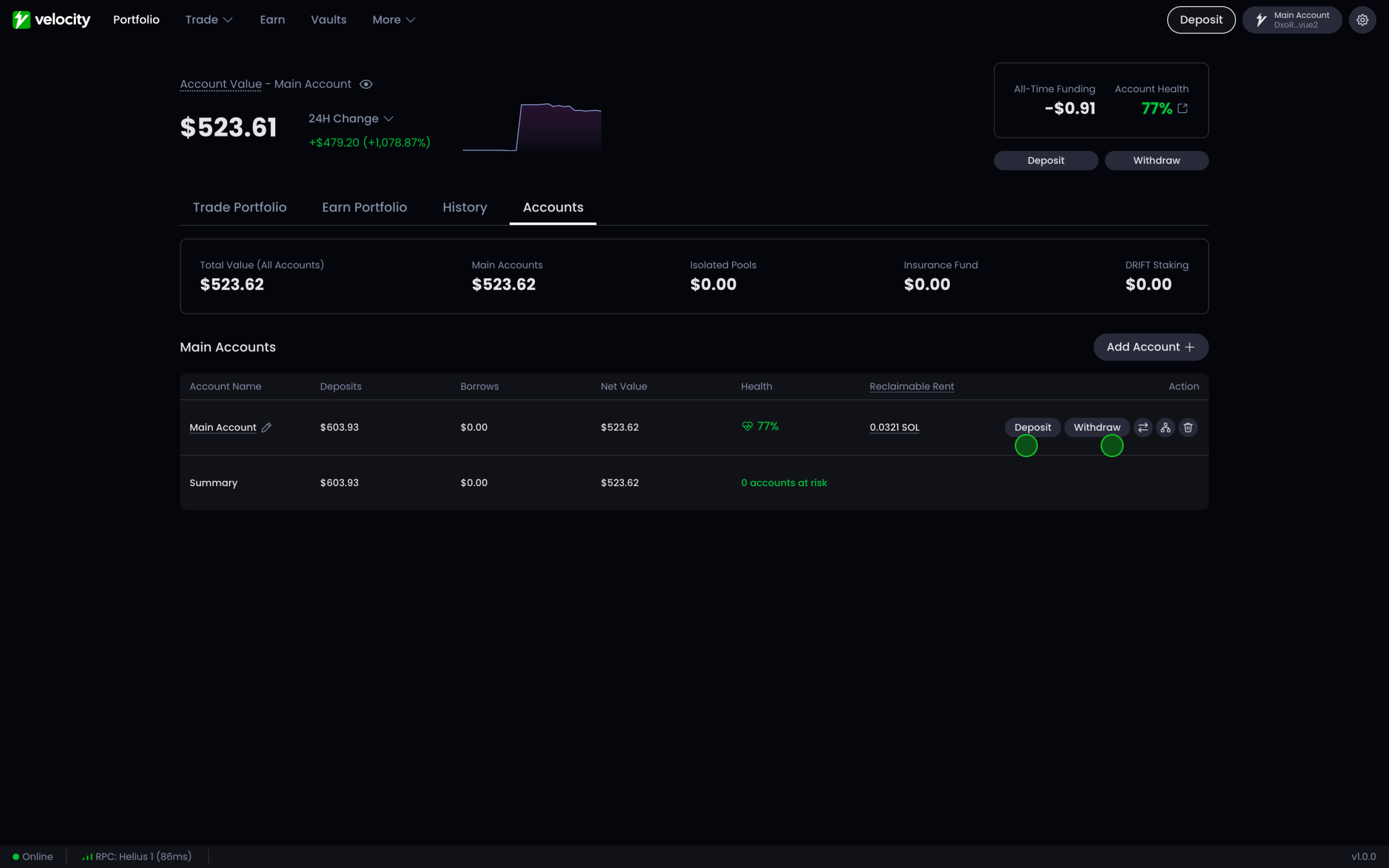
A subaccount can only be deleted once it is completely empty, which is stricter than being able to withdraw from it. Every position has to be closed, every borrow repaid, all P&L settled, and every balance withdrawn. Deleting releases the rent to the wallet that paid it; see Withdraw and close an account for the full set of conditions, including the one case where a main account cannot be deleted at all.
Empty the account
Withdraw every deposit, close every position, repay any open borrow, and settle any unsettled P&L. The delete control stays unavailable until all four hold.
Delete
Click the trash icon on the account row and sign the transaction. The rent lands back in your wallet in the same transaction.